
Top RC Flight Simulators for Better Flying
04/10/2026
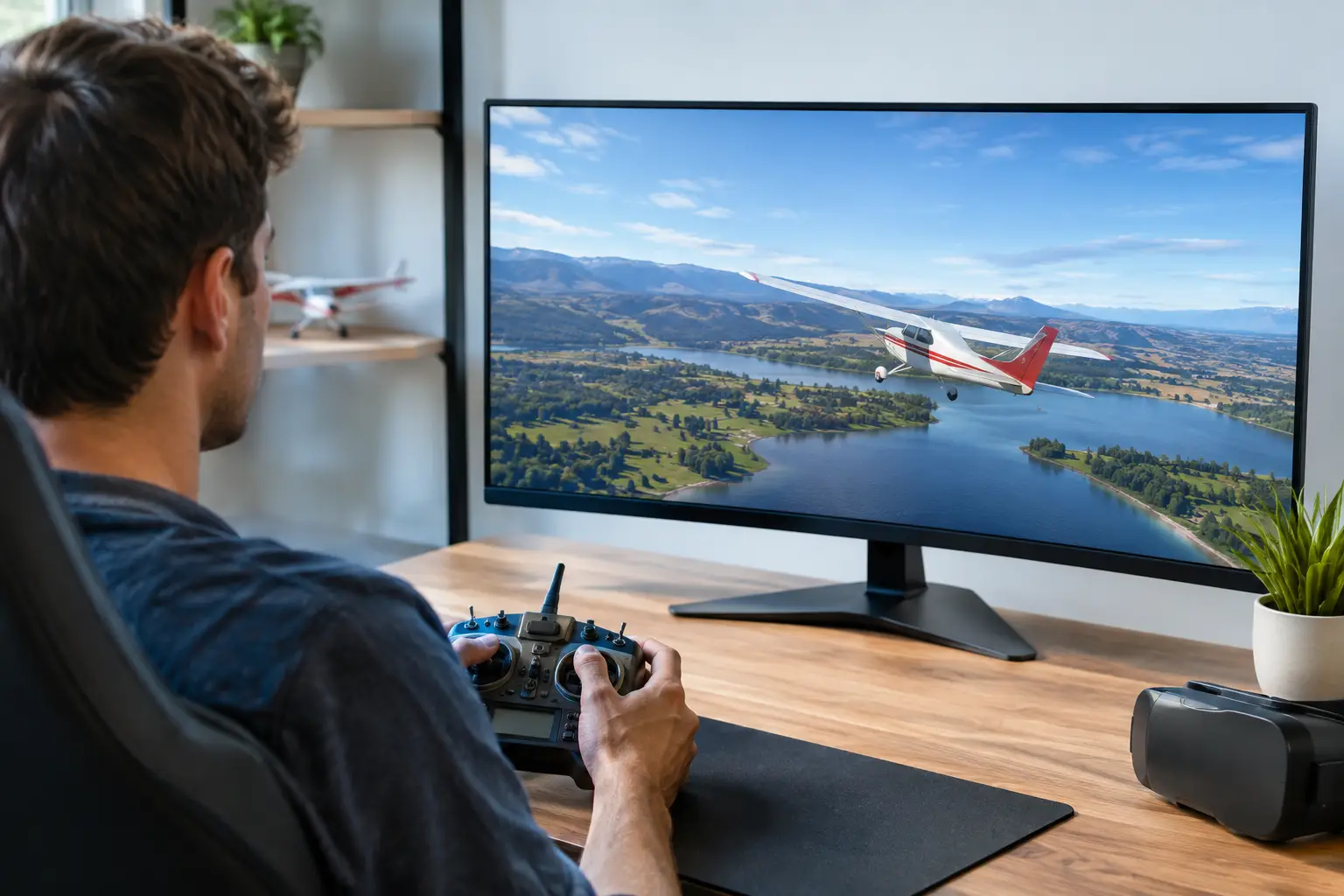
A simulator will not make the wind disappear, charge a flight pack or put a model back together after a heavy landing. What it can do is give you hundreds of low-risk attempts at the skills that matter most: holding a line, judging height, coordinating turns and recovering before a mistake becomes expensive. The top RC flight simulators are therefore not just games. Used with the right controller, they are one of the most cost-effective training tools in the hobby.
For a beginner, sim time can make the first club visit far less daunting. For an experienced pilot, it is a practical place to try a new model type, practise approaches or keep thumbs sharp through poor weather. The best choice depends less on flashy graphics than on the aircraft you fly, the controller you own and how closely the simulator matches real-world RC flying.
What makes an RC flight simulator worth using?
A good simulator needs believable aircraft behaviour, a sensible selection of flying sites and proper support for an RC-style transmitter. The last point matters more than many newcomers expect. Flying with a keyboard, gamepad or touchscreen can be enjoyable, but it does not build the same muscle memory as using two sticks in Mode 1 or Mode 2.
Look for adjustable wind, turbulence and aircraft settings. Calm conditions are useful for initial learning, but wind is part of outdoor fixed-wing and helicopter flying in the UK. Being able to start gently, then add a crosswind or gusts as confidence grows, makes practice more useful.
Physics are important, although no software can perfectly recreate every foam trainer, balsa sport model or collective-pitch helicopter. Treat a simulator as a training environment rather than a promise that a particular virtual aircraft will feel exactly like your own. It is most valuable when it teaches good inputs and decision-making: small corrections, smooth throttle use and the discipline to climb before turning.
Top RC flight simulators to consider
RealFlight Evolution
RealFlight Evolution remains one of the strongest all-round choices for fixed-wing, helicopters and general RC aircraft practice. Its wide aircraft collection, varied flying sites and training-oriented approach make it particularly suitable for newcomers who want structure as well as free flying.
The software includes useful challenges and guided practice features, but its main strength is breadth. You can begin with a stable high-wing trainer, move on to sport aerobatics, then try EDF jets or helicopters without having to change platform. It also allows pilots to practise failures and awkward conditions that would be unwise to seek out with a new model.
RealFlight is usually best suited to a Windows PC and a compatible USB controller or transmitter interface. Check the current system requirements and controller compatibility before buying, especially if you are using an older radio. It can be more demanding on a computer than simpler simulators, but the depth makes sense for pilots planning to progress through several aircraft types.
Aerofly RC
Aerofly RC is well regarded for smooth performance, convincing scenery and a polished flying experience. It is a very good option for pilots who value visual clarity and realistic-looking sites alongside capable flight physics. The aircraft range covers trainers, gliders, aerobatic models, helicopters and other popular categories, so it has enough scope to remain useful beyond the first few weeks.
Its clear presentation can be helpful when learning orientation and landing approaches. Seeing the aircraft against the background cleanly is not a small detail: losing sight of the model in a busy scene teaches nothing useful. Aerofly RC also offers weather and wind options, allowing pilots to develop beyond still-air circuits.
As with any PC simulator, make controller support part of the buying decision. A familiar transmitter connected correctly, with sensible rates and channel mapping, will make the experience far more productive. Aerofly RC may suit the pilot who wants a premium-feeling simulator for regular fixed-wing practice, rather than a basic introduction alone.
PicaSim
PicaSim is a straightforward, accessible option for practising core skills, particularly slope soaring and basic fixed-wing handling. It has been popular with hobbyists because it runs on a range of devices and offers useful flying without the cost or hardware demands of high-end PC software.
The presentation is more functional than the major paid simulators, and the model selection is not aimed at reproducing every niche aircraft category. That is a fair trade-off if your priority is stick time. It is especially useful for learning to work with lift, manage a glider’s energy and maintain orientation at distance.
Touchscreen controls are fine for getting a feel for the software, but an external controller makes a substantial difference. If you intend to use PicaSim as genuine preparation for flying at a field or slope, configure it with a proper RC transmitter wherever possible.
Absolute RC Plane Sim
Absolute RC Plane Sim is another accessible route for beginners who want short, casual sessions on a mobile device. It provides a varied collection of aircraft and environments, and its low barrier to entry can encourage a new pilot to practise little and often.
The limitation is the control method. A touchscreen does not mirror the feel, spacing or spring tension of a transmitter, so it should not be your only preparation for a first outdoor flight. Think of it as a useful way to build basic awareness of orientation and throttle control, then move to a transmitter-based simulator when you are ready to develop transferable stick skills.
Choose the simulator around your next aircraft
The right choice becomes clearer once you decide what you want to fly. A future trainer pilot should spend most of their time with a forgiving high-wing electric model, not a 3D aerobat or fast jet. A stable virtual trainer teaches the habits that save real models: take off into wind, climb to a safe height, use gentle turns and reduce power early for landing.
Glider pilots benefit from a simulator with slope and thermal soaring. Helicopter pilots need a package with credible collective-pitch models and set-up options, as hovering and orientation require dedicated practice. If scale warbirds, EDFs or aerobatic models are your goal, practise the slower aircraft first. A simulator offers every aircraft immediately, but progression still matters.
Do not be tempted to select the most powerful virtual model simply because it is available. The fastest route to better flying is repeated, controlled circuits with a model that gives you time to think.
Use your own transmitter where possible
A USB simulator controller is a simple solution, but using your own transmitter can be better if it is compatible. It familiarises your hands with the exact stick layout, switch positions and mode you will use at the field. Many modern radios can connect to a computer by USB, while others need a suitable simulator lead or interface.
Before starting, check channel mapping and calibrate the controls carefully. Throttle should sit at zero when the stick is down, control surfaces should move in the expected direction, and trims should be centred. Set sensible rates and expo rather than making the virtual aircraft overly sharp. The aim is to create a calm, predictable model that rewards smooth inputs.
Keep the simulator model broadly comparable to your real aircraft. If your trainer has ailerons, elevator, rudder and throttle, practise with all four channels. Rudder is often neglected in simulations, yet it remains useful for coordinated turns, ground handling and crosswind corrections.
A practice routine that translates outdoors
Random flying is enjoyable, but a small routine produces faster progress. Begin each session with take-offs, level circuits in both directions and a deliberate figure of eight. This forces you to manage the confusing moment when the aircraft is flying towards you and roll inputs appear reversed.
Next, practise landing approaches. Start high, line up well before the runway and use throttle to control the descent rather than diving at the last moment. If an approach goes wrong, apply power and go around. Building the habit of abandoning a poor landing is much cheaper in a simulator and much safer with a real aircraft.
Once these basics feel automatic, introduce light wind and change the runway direction. Then practise a simulated engine or power failure by closing the throttle at height and choosing a safe landing area. These exercises develop judgement, not just reactions.
Do not let simulator confidence replace field support
Even the best simulator cannot show the full effect of changing wind, sun position, depth perception, radio set-up or a model that is out of trim. A beginner should still seek help from an experienced flyer or a suitable club for the first real flights. Simulator practice makes that guidance easier to absorb because the basic stick movements are already familiar.
For regular RC pilots, a simulator is also useful between flying sessions, after repairs or before moving into a more demanding type of aircraft. At RC Model Shop, the practical advice is simple: choose a simulator you will actually use, connect a proper transmitter and practise the same calm routines you plan to fly outdoors. A few focused sessions before the next trip to the field can make that first circuit feel far more familiar.