
What Is 2.4GHz RC? A Clear Guide for Beginners
24/09/2026
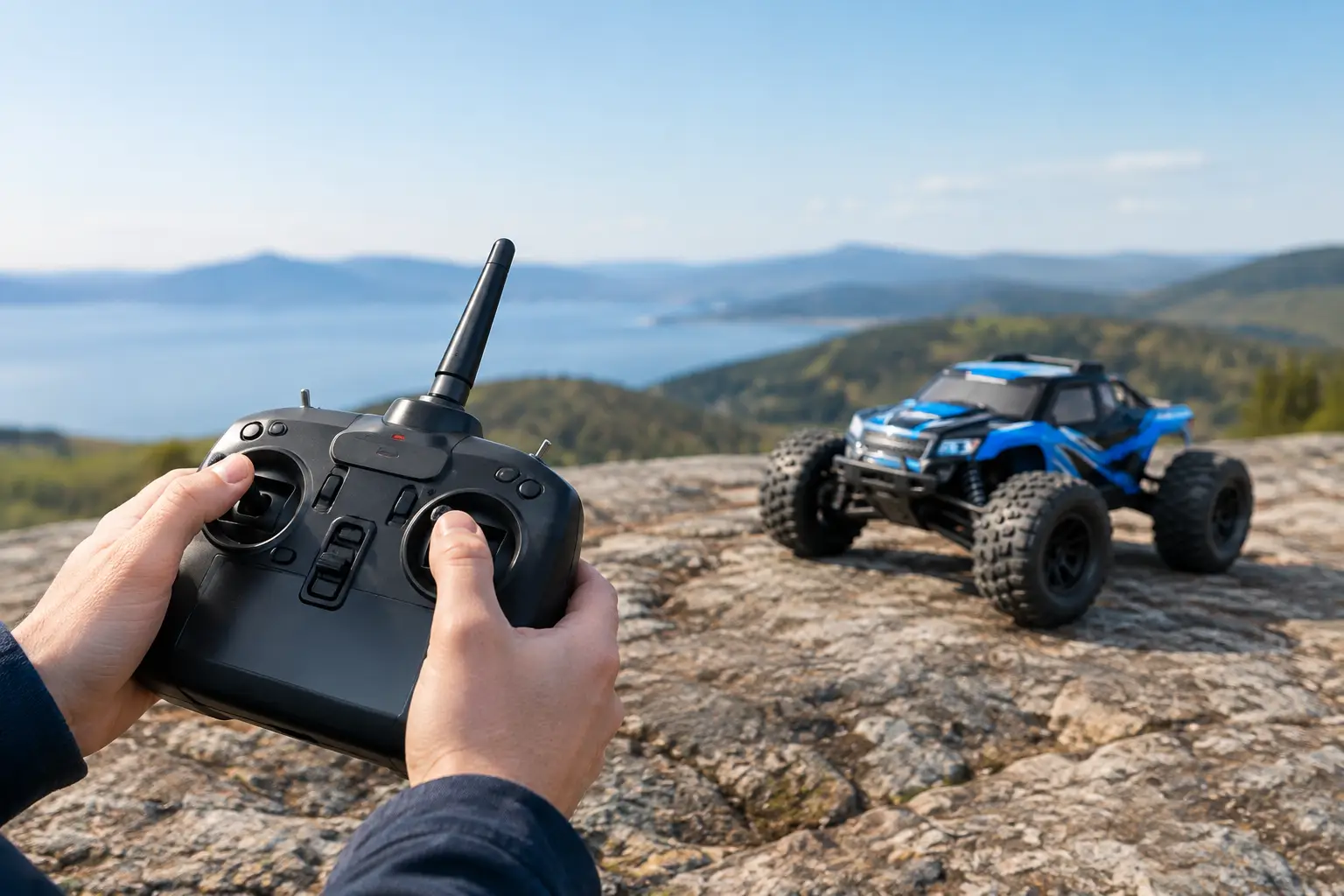
What Is 2.4GHz RC? A Simple Guide to Modern RC Radio Systems
If you are asking “what is 2.4GHz RC?”, you are really asking how a modern transmitter communicates with an RC car, boat or aircraft without the old worries about frequency crystals and radio clashes.
In simple terms, 2.4GHz RC is a radio control system that uses the 2.4 gigahertz frequency band to send steering, throttle and other control inputs from your transmitter to the receiver fitted inside the model.
For most modern hobby-grade RC models, 2.4GHz has become the standard. Switch on the transmitter, power up the model and you are generally ready to go. The transmitter and receiver are paired together, helping prevent another hobbyist nearby from accidentally controlling your model.
What Is 2.4GHz RC and Why Is It Used?
Older radio control systems commonly operated on fixed frequencies such as 27MHz or 40MHz. Each driver needed the correct frequency crystal, and two people operating on the same frequency in the same area could potentially interfere with one another.
At busy RC clubs, racing circuits and model flying fields, this meant checking which frequencies were already being used before switching on your transmitter.
Modern 2.4GHz radio equipment works differently.
Depending on the system, it may use frequency-hopping or other spread-spectrum techniques to maintain communication between the transmitter and receiver within the 2.4GHz band. The receiver is bound to a compatible transmitter and recognises its signal.
The practical advantage is significant: multiple people can normally operate RC models together without manually allocating frequency crystals.
This makes 2.4GHz particularly useful for:
-
RC racing clubs
-
Group bashing sessions
-
RC crawler courses
-
Model flying clubs
-
Boating lakes
-
Events where several models are being operated simultaneously
Modern digital radio systems can also provide fast response times and additional functions such as model memory, steering adjustments, throttle settings and telemetry.
The available features depend on the individual radio system rather than simply whether it operates at 2.4GHz.
The Parts of a 2.4GHz RC System
A typical RC radio installation has several important components.
Transmitter
The transmitter is the controller you hold.
For RC cars and trucks, this is normally a wheel-and-trigger transmitter. Turning the steering wheel controls the vehicle's steering, while pulling or pushing the trigger controls acceleration, braking and reverse.
Aircraft transmitters normally use two control sticks alongside additional switches, sliders or dials.
More advanced transmitters may offer features including:
-
Steering trim
-
Throttle trim
-
Steering dual rate
-
End-point adjustment
-
Exponential
-
Model memory
-
Auxiliary channels
-
Telemetry
-
Programmable mixes
Not every model requires these features, but they can become useful as you progress further into the hobby.
Receiver
The receiver is installed inside the RC model.
It receives the commands sent by the transmitter and passes those instructions to the model's electronics.
Depending on the type of model, this could include the:
-
Steering servo
-
Electronic speed controller (ESC)
-
Throttle servo
-
Gear-change servo
-
Winch
-
Lighting controller
-
Flight controller
-
Additional auxiliary functions
The receiver is normally powered through the ESC's built-in BEC on an electric RC car, although other models and installations may use a separate receiver power supply.
Binding
For a 2.4GHz system to operate, the transmitter and receiver must be bound together.
Binding is the pairing process that allows a compatible receiver to recognise the transmitter.
Most ready-to-run RC cars arrive with the transmitter and receiver already bound. You can therefore normally install the batteries, switch everything on and start using the model.
You may need to bind the radio equipment again if you replace the receiver or transmitter.
The exact binding procedure differs between manufacturers and radio systems, so always follow the instructions for your particular equipment.
Receiver Aerial
The receiver aerial is also important.
On many RC cars, you will see a thin aerial wire routed through an aerial tube or positioned inside the receiver box.
The aerial should be installed according to the manufacturer's instructions and kept away from potential sources of interference where practical.
Never cut the receiver aerial shorter simply to make an installation look tidier.
Aerial positioning can become particularly important with boats and aircraft, where the model may travel considerably further away from the operator.
Does Any 2.4GHz Transmitter Work With Any 2.4GHz Receiver?
No.
This is one of the biggest misunderstandings surrounding modern RC radio equipment.
Seeing “2.4GHz” written on two products does not mean they will automatically work together.
Different manufacturers use different RC radio protocols, and some manufacturers use several different protocols across their product ranges and generations.
Brands you may encounter include:
-
Spektrum
-
Futaba
-
FlySky
-
Radiolink
-
Sanwa
-
Traxxas
-
Tamiya
-
FTX and other RTR radio systems
Even equipment from the same manufacturer is not automatically compatible.
When replacing a transmitter or receiver, you should check the exact transmitter model, receiver model and supported radio protocol rather than relying on the 2.4GHz label alone.
How Many Channels Does an RC Receiver Need?
You also need the correct number of channels.
A basic electric RC car generally requires two channels:
Channel 1 – Steering
Channel 2 – Throttle/ESC
More complicated RC models can require additional channels.
For example, an RC crawler could have separate controls for:
-
Winch
-
Two-speed transmission
-
Locking differentials
-
Dig function
-
Rear-wheel steering
-
Lights
Aircraft frequently require four or more channels depending on their configuration, with additional channels potentially required for flaps, retractable landing gear, flight modes and other functions.
When upgrading your radio system, think about what you may want to add later. Buying a transmitter with additional channels can sometimes save replacing the entire radio system again when you modify the model.
What Range Does a 2.4GHz RC Radio Have?
There isn't one universal range for all 2.4GHz RC systems.
Range depends on the particular transmitter and receiver as well as the installation and operating environment.
Factors that can affect radio range include:
-
Receiver quality
-
Transmitter output and design
-
Aerial positioning
-
A damaged aerial
-
Battery condition
-
Receiver installation
-
Surrounding terrain
-
Buildings and obstacles
-
Electrical interference
-
Materials surrounding the receiver or aerial
This is why you should choose radio equipment intended for the type of RC model you are operating.
A receiver intended for a small park-fly aircraft, for example, should not automatically be treated as suitable for a larger aircraft simply because both operate at 2.4GHz.
The same principle applies to boats, cars and other RC models.
Is 2.4GHz RC Better Than Older Crystal Radios?
For most modern hobby-grade RC applications, 2.4GHz offers significant practical advantages over traditional crystal-based systems.
You no longer need to carry different frequency crystals or check whether another driver is using the same channel before switching on.
It also makes operating several models together much easier.
Modern transmitters can offer additional functionality that older basic radio systems did not commonly provide, including multiple model memories.
This can be particularly useful if you own several models. One compatible transmitter may be able to store individual settings for your crawler, basher, buggy or other vehicles.
However, modern systems do make compatibility slightly more complicated when purchasing replacement electronics.
With older crystal equipment, matching the frequency was a major consideration. With modern 2.4GHz equipment, you may need to consider:
-
Radio protocol
-
Receiver compatibility
-
Number of channels
-
Receiver voltage
-
Intended application
-
Telemetry compatibility
-
Additional functions
It is therefore worth checking compatibility carefully before ordering replacement radio equipment.
Can a 2.4GHz RC Radio Lose Signal?
Yes.
2.4GHz technology greatly improves the practical experience of operating multiple models, but it does not make an RC model immune from radio problems.
Potential causes of control or signal problems can include:
-
Damaged receiver aerials
-
Incorrect aerial installation
-
Loose electrical connections
-
Low transmitter batteries
-
Receiver power problems
-
Damaged receivers
-
Incorrect binding
-
Electrical interference
-
Excessive operating distance
If your model suddenly begins losing control, do not immediately assume the transmitter itself is faulty.
Check the complete radio installation before operating the model again.
This is particularly important with fast RC cars, powerful boats and aircraft, where losing control can cause significant damage or injury.
How to Use a 2.4GHz RC Radio Safely
Correct operating procedure is simple but important.
1. Switch the Transmitter On First
As a general rule, switch on your transmitter before powering the model.
When you have finished, switch off or disconnect the model before switching off the transmitter.
Always follow the manufacturer's specific instructions if they state a different procedure.
2. Check the Controls
Before a proper run, perform a quick control check.
Make sure:
-
Steering operates correctly
-
Steering direction is correct
-
Throttle direction is correct
-
Brakes operate correctly
-
Auxiliary functions work as expected
If you are testing a powerful electric RC car indoors or on a workbench, keep the driven wheels safely off the ground where appropriate.
3. Check Your Transmitter Batteries
Do not forget about the transmitter battery.
A fully charged drive battery doesn't help if your transmitter is running on nearly flat batteries.
Check your RC batteries and charging equipment, particularly if the model has been stored for an extended period.
4. Set the Failsafe
Where supported, configure the receiver failsafe correctly.
A failsafe tells the receiver what to do if communication with the transmitter is lost.
For most electric RC cars, you generally want the throttle to return to a safe neutral state rather than continuing to apply power.
Failsafe requirements for other types of RC models can differ, so follow the manufacturer's instructions for your particular radio and model.
5. Perform a Range Test
A range test is sensible after:
-
Installing a new receiver
-
Replacing a transmitter
-
Changing the aerial position
-
Repairing crash damage
-
Experiencing unexplained radio problems
Follow the range-test procedure specified by your radio manufacturer.
If the controls glitch, become delayed or stop responding during a range test, investigate the problem before using the model normally.
Choosing a 2.4GHz Radio for Your RC Model
For your first ready-to-run RC car, the transmitter supplied in the box is usually perfectly adequate.
It is already compatible with the receiver and should be configured for the vehicle.
Rather than immediately replacing working radio equipment, spend some time learning:
-
Throttle control
-
Steering control
-
Battery care
-
Basic maintenance
-
Suspension setup
-
Tyre selection
-
General vehicle setup
As you gain experience, upgrading the radio can become worthwhile.
RC Bashers
For general bashing, look for a dependable transmitter with useful steering and throttle adjustment.
RC Racers
Racers may benefit from more detailed adjustments including steering response, throttle curves, end points, exponential and model memory.
RC Crawlers
Crawler owners may need additional channels for accessories including winches, lights, dig functions, two-speed gearboxes and locking differentials.
RC Aircraft
Aircraft users should consider the number of channels, compatible receiver options, model memory and programming features required for their particular aircraft.
If you are considering an upgrade, our guide to the best RC transmitters in the UK can help explain some of the available options.
Replacing a 2.4GHz Receiver
If you are replacing a damaged receiver, don't simply search for another receiver labelled “2.4GHz”.
Before buying, identify:
-
The transmitter manufacturer
-
The exact transmitter model
-
The radio protocol
-
The number of channels required
-
The receiver voltage requirements
-
Any telemetry or additional functions you need
A clear photograph of the transmitter and existing receiver labels can often provide enough information to identify the correct replacement.
If you are unsure, RC Model Shop UK can help with practical compatibility advice. Providing the exact model numbers or clear photographs of your existing radio equipment makes it much easier to identify suitable options.
Frequently Asked Questions About 2.4GHz RC
What does 2.4GHz mean on an RC car?
2.4GHz refers to the radio frequency band used for communication between the transmitter and receiver. The transmitter sends your steering and throttle commands to the receiver fitted inside the RC car.
Can two 2.4GHz RC cars run at the same time?
Yes. Modern 2.4GHz radio systems are specifically well suited to environments where multiple RC models are being operated simultaneously. Each compatible transmitter and receiver pair communicates using its own radio system rather than requiring users to manually allocate frequency crystals.
Will any 2.4GHz transmitter work with my RC car?
No. The transmitter must be compatible with the receiver and its particular radio protocol. Two products can both operate at 2.4GHz and still be completely incompatible.
Can I use one transmitter for several RC cars?
Potentially, yes. Many aftermarket transmitters offer model memory, allowing one transmitter to store settings for several compatible receivers and models. The exact number of models depends on the transmitter.
Do I need to bind a new receiver?
Usually, yes. If you replace the receiver, it will generally need to be bound to your compatible transmitter before it can be used.
Why is my 2.4GHz RC car losing signal?
Possible causes include low transmitter batteries, a damaged receiver aerial, receiver power problems, loose connections, incorrect installation, interference or a fault with the radio equipment. Stop using the model until the cause has been identified.
Does 2.4GHz RC need an aerial?
Yes, although modern aerials are much less noticeable than the long telescopic transmitter aerials associated with older radio equipment. The receiver still requires its aerial to be correctly installed, and the transmitter has an antenna system as well.
Is 2.4GHz suitable for RC boats?
Yes, 2.4GHz systems are widely used with RC boats. Receiver and aerial installation is particularly important, and the radio equipment should be suitable for the model and intended operating range.
Is 2.4GHz suitable for RC aircraft?
Yes. 2.4GHz radio systems are widely used for RC aircraft. Make sure the transmitter and receiver are suitable for the particular aircraft, provide sufficient channels and meet the range and programming requirements of the model.
What Is 2.4GHz RC? The Simple Answer
2.4GHz RC is the modern radio control technology used to operate most hobby-grade RC models. It provides communication between a transmitter and compatible receiver without the frequency-crystal management associated with older radio systems.
For most users, that means you can arrive at a track, crawler course, flying field or suitable bashing location and operate alongside other RC enthusiasts without worrying about manually matching frequency channels.
The important thing to remember is that 2.4GHz does not automatically mean compatible.
When replacing or upgrading your radio equipment, check the protocol, receiver compatibility, number of channels and intended application rather than relying on the frequency alone.
Choose compatible equipment, install the receiver and aerial correctly, set up the failsafe and look after your radio gear. Get those basics right and your transmitter and receiver should simply get on with their job while you enjoy the model.
Written by RC Model Shop UK